
Reward Tutorial
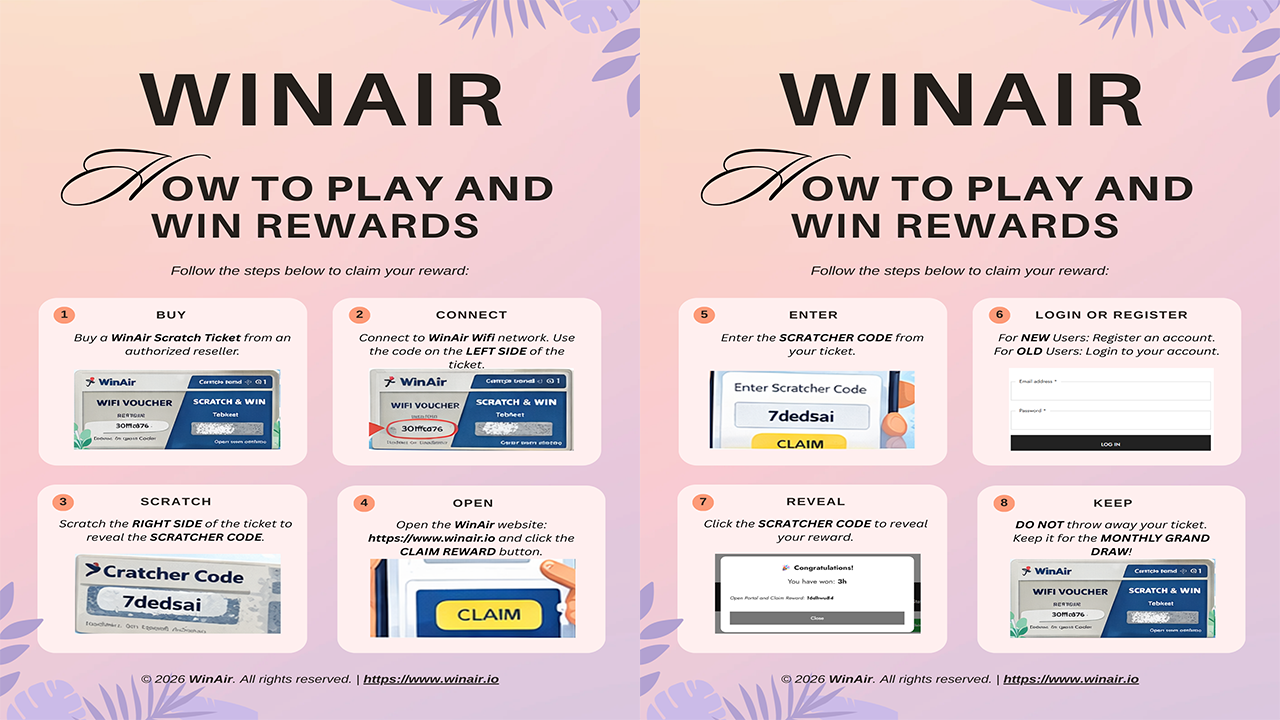
Step-by-Step Tutorial:
1. Buy a WinAir Scratch Ticket from an authorized reseller.
2. Connect to the WinAir WiFi network. Use the code on the LEFT SIDE of the ticket.
3. Scratch the RIGHT SIDE of the ticket to reveal the SCRATCHER CODE.
4. Open the WinAir website: https://www.winair.io and click the CLAIM REWARD button.
5. Enter the SCRATCHER CODE from your ticket.
6. LOGIN or REGISTER
- For EXISTING USERS:
- Login to your account.
- FOR NEW USERS:
- Create an account.
- Login to your account.
- Create an account.